











How To Deal With The Captcha When Doing Web Scraping

Ethan Collins
Pattern Recognition Specialist
12-Jan-2024

TL;DR
Web scraping enables efficient data collection, but CAPTCHA challenges often disrupt automated workflows. CAPTCHAs are designed to distinguish humans from bots and can block or interrupt scraping tasks. CapSolver provides a practical solution by offering both an API-based service for developers and a browser extension for non-technical users. With support for multiple CAPTCHA types and straightforward integration, CapSolver helps streamline web scraping operations and maintain productivity when CAPTCHA challenges appear.
Introduction
Web scraping, the automated extraction of data from websites, has revolutionized the way businesses gather information and gain insights. However, CAPTCHAs, designed to prevent automated bots from accessing websites, can hinder web scraping efforts. In this article, we will explore effective strategies to deal with CAPTCHAs and introduce Capsolver, a powerful tool that simplifies CAPTCHA solving and enhances web scraping productivity.
Redeem Your CapSolver Bonus Code
Boost your automation budget instantly!
Use bonus code CAPN when topping up your CapSolver account to get an extra 5% bonus on every recharge — with no limits.
Redeem it now in your CapSolver Dashboard
.
So what is CAPTCHAs:
CAPTCHAs (Completely Automated Public Turing test to tell Computers and Humans Apart) are security mechanisms employed by websites to verify the user's human identity. CAPTCHAs present challenges that require human intelligence to solve, such as recognizing distorted text, selecting specific images, or solving puzzles. They aim to protect websites from spam, fraud, and unauthorized access.
Challenges of CAPTCHAs in Web Scraping:
CAPTCHAs can impede web scraping projects by interrupting the scraping process or blocking access to desired data. Dealing with CAPTCHAs effectively is crucial for successful and uninterrupted web scraping. Here's where Capsolver comes into play.
Introducing Capsolver:
Capsolver is an advanced CAPTCHA-solving service that provides a reliable and efficient solution for web scraping. It offers support for a wide range of CAPTCHA types, including reCAPTCHA (v2/v3/Enterprise), captcha (Normal/Enterprise), captcha, captcha V3/V4, captcha Captcha, ImageToText, and more.
Utilizing Capsolver for CAPTCHA Solving:
Capsolver offers two primary approaches to solving CAPTCHAs: the API service and the Extension service.
a. API Service:
- Step 1: Register and Obtain API Key
First, visit the official Capsolver website and register an account. Upon registration, you will receive an API key, which is essential for using the Capsolver captcha solver.

-
Step 2: Select the Captcha Type
Capsolver supports various common captcha types, including reCAPTCHA, captcha, captcha, and more. Depending on the captcha type you encounter, choose the corresponding API method for solving it. If you are unsure about the captcha type you are facing or the site-specific parameters like sitekey, Capsolver provides an extension with parameter recognition functionality. This extension allows users to identify the captcha type, sitekey, pageAction, API Domain, and Capsolver JSON of the target website. Upon detecting the captcha parameters, Capsolver will return a JSON with detailed instructions on submitting the captcha parameters to their service. -
Step 3: Integrate Capsolver API into Your Application or Script
Capsolver provides an easy-to-use API that allows you to integrate it into your application or script. Depending on the programming language you are using, Capsolver offers corresponding documentation to help you get started quickly. -
Step 4: Retrieve the Solution Result
When your account has sufficient balance and correct parameters, send a request to the Capsolver API. The API will process the captcha and return the solution result. You can then retrieve the solution result from the API response.
b. Extension Service
Capsolver also provides an extension for non-programmers, making it convenient for users who are not familiar with coding. This extension can be easily integrated into the Google Chrome browser, allowing you to enjoy Capsolver's captcha solving service without writing any code. The browser extension assists users in automatically recognizing and clicking on captcha verification, providing a more convenient way for non-technical individuals to tackle captcha challenges. Additionally, browser extensions can assist individuals with disabilities by automating the recognition and interaction with captcha verification.

Wrapping Up
CAPTCHAs present a significant challenge in web scraping projects, but with Capsolver as a reliable CAPTCHA-solving service, these obstacles can be overcome efficiently and effectively. By leveraging Capsolver's comprehensive support for various CAPTCHA types, seamless integration options, and dedicated customer support, web scraping practitioners can enhance their productivity and obtain the desired data without being hindered by CAPTCHAs. Capsolver proves to be a valuable tool in the arsenal of web scrapers, enabling them to navigate CAPTCHA challenges with ease.
FAQs
1. Why do CAPTCHAs frequently appear during web scraping?
CAPTCHAs are triggered when a website detects behavior that resembles automated access, such as high request frequency, repetitive actions, or unusual traffic patterns. Since web scraping involves automated data requests, CAPTCHAs are commonly used by websites as a gatekeeping mechanism to verify that the visitor is human.
2. What types of CAPTCHAs does CapSolver support?
CapSolver supports a wide range of commonly used CAPTCHA types, including reCAPTCHA (v2, v3, and Enterprise), image-based CAPTCHAs, text-based CAPTCHAs, and other modern verification challenges. This broad compatibility makes it suitable for diverse web scraping scenarios across different websites.
3. Is CapSolver suitable for users without programming experience?
Yes. In addition to its API service for developers, CapSolver offers a Chrome browser extension that requires no coding. The extension can automatically detect and interact with CAPTCHA challenges, making it an accessible option for non-technical users and individuals who prefer a no-code solution.
Compliance Disclaimer: The information provided on this blog is for informational purposes only. CapSolver is committed to compliance with all applicable laws and regulations. The use of the CapSolver network for illegal, fraudulent, or abusive activities is strictly prohibited and will be investigated. Our captcha-solving solutions enhance user experience while ensuring 100% compliance in helping solve captcha difficulties during public data crawling. We encourage responsible use of our services. For more information, please visit our Terms of Service and Privacy Policy.
More
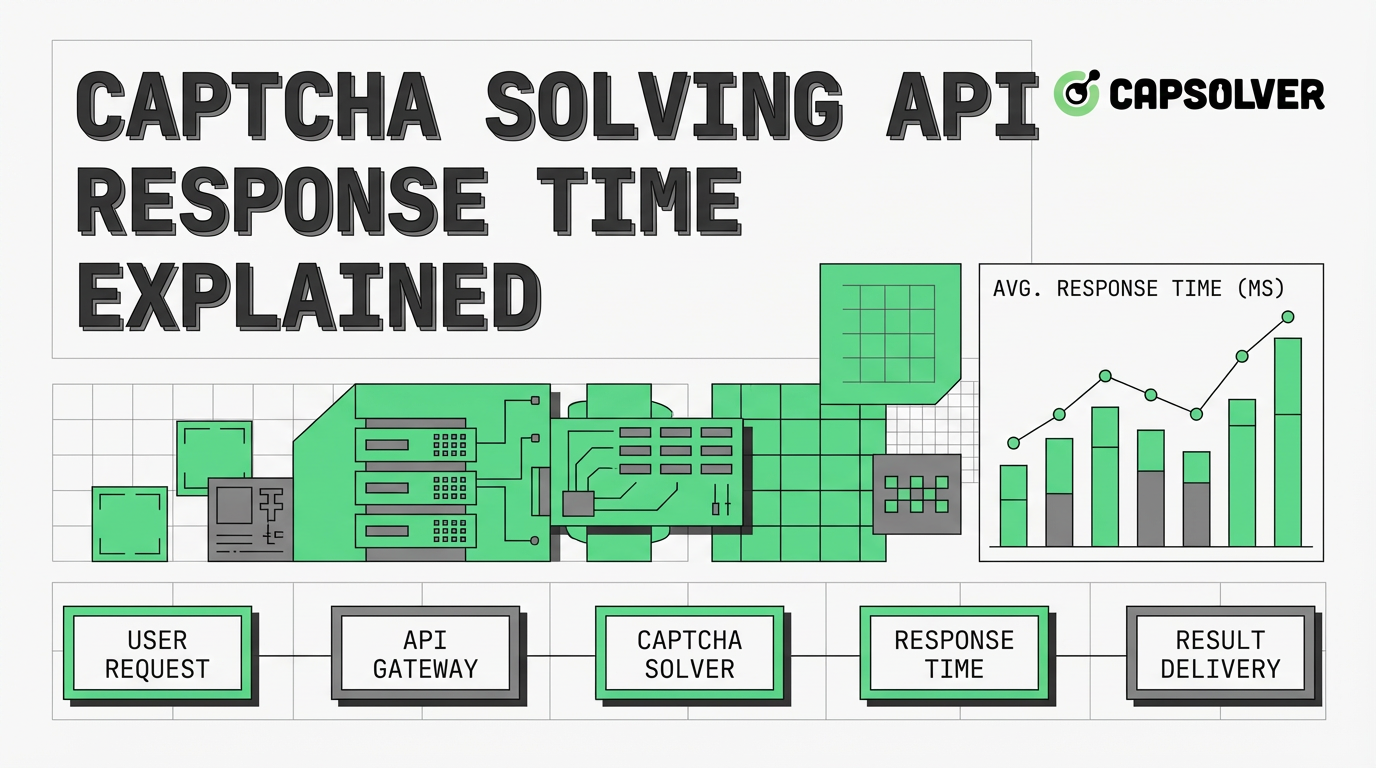
CAPTCHA Solving API Response Time Explained: Speed & Performance Factors
Understand CAPTCHA solving API response time, its impact on automation, and key factors affecting speed. Learn how to optimize performance and leverage efficient solutions like CapSolver for rapid CAPTCHA resolution.

Emma Foster
03-Apr-2026

What Is a CAPTCHA Solving API? How It Works and When to Use It
Learn what a CAPTCHA solving API is, how it works, and when to use it for automation. Discover the benefits of AI-powered CAPTCHA resolution for web scraping.

Sora Fujimoto
02-Apr-2026
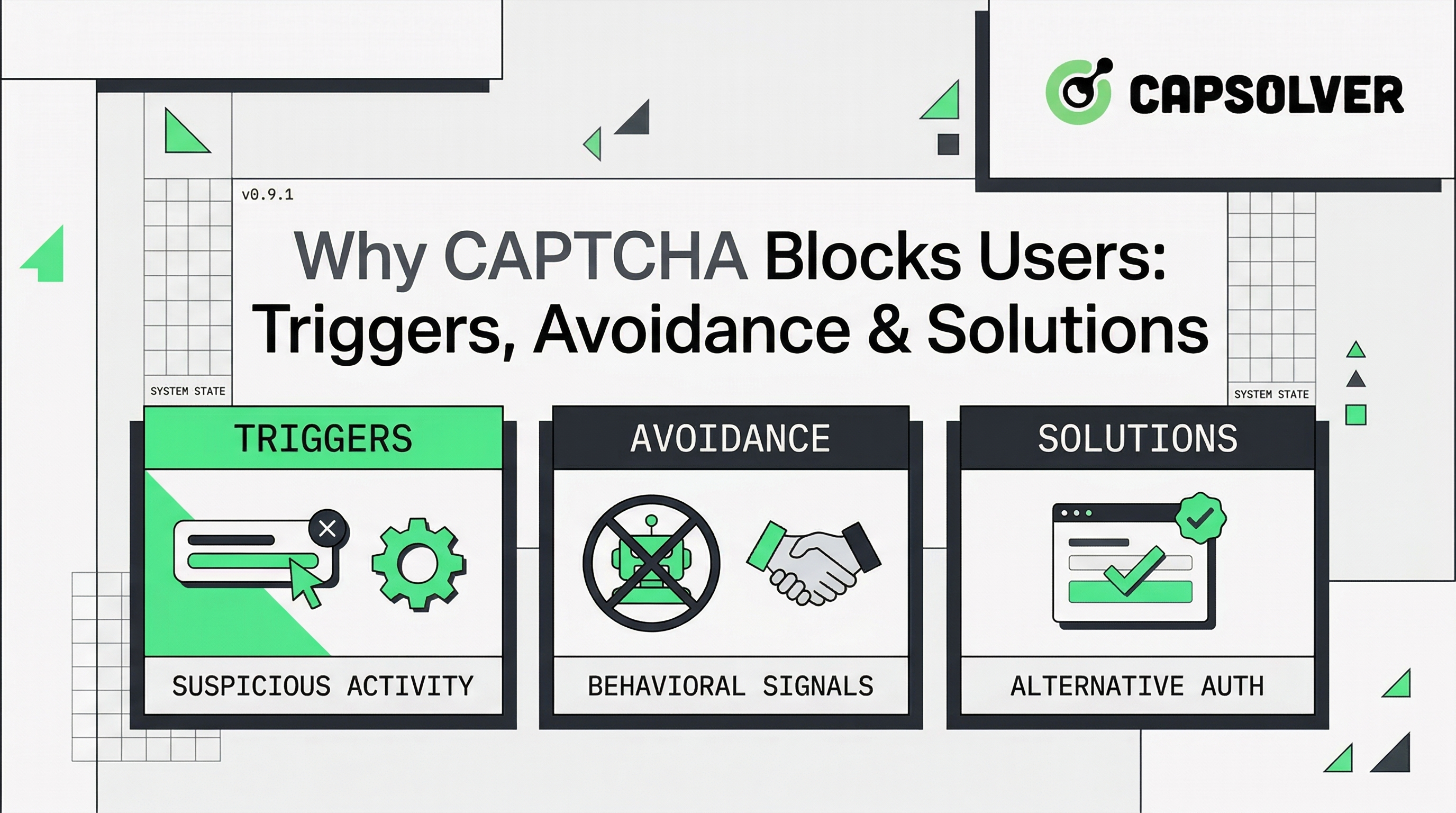
Why CAPTCHA Blocks Users: Triggers, Avoidance & Solutions
Explore why CAPTCHA blocks legitimate users, common triggers like bad IP reputation and browser issues, and effective avoidance strategies. Learn how professional solutions like CapSolver handle CAPTCHA at scale for automation.

Nikolai Smirnov
02-Apr-2026
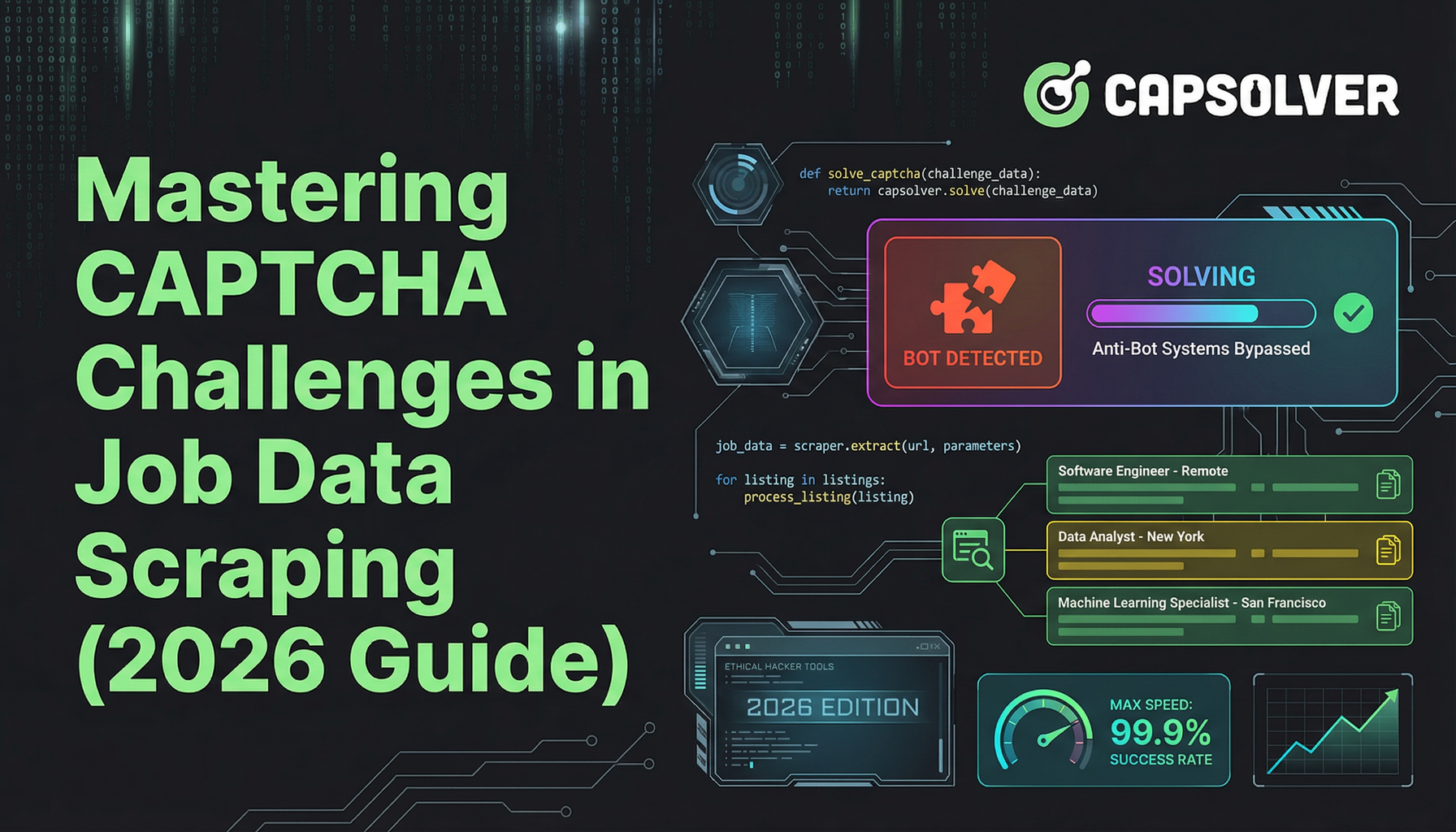
Mastering CAPTCHA Challenges in Job Data Scraping (2026 Guide)
A comprehensive guide to understanding and overcoming the CAPTCHA challenge in job data scraping. Learn to handle reCAPTCHA and other hurdles with our expert tips and code examples.
Sora Fujimoto
27-Feb-2026

Top 10 Data Collection Methods for AI and Machine Learning
Discover the 10 best data collection methods for AI and ML, focusing on Throughput, Cost, and Scalability. Learn how CapSolver's AI-powered captcha solving ensures stable data acquisition for your projects.
Sora Fujimoto
22-Dec-2025
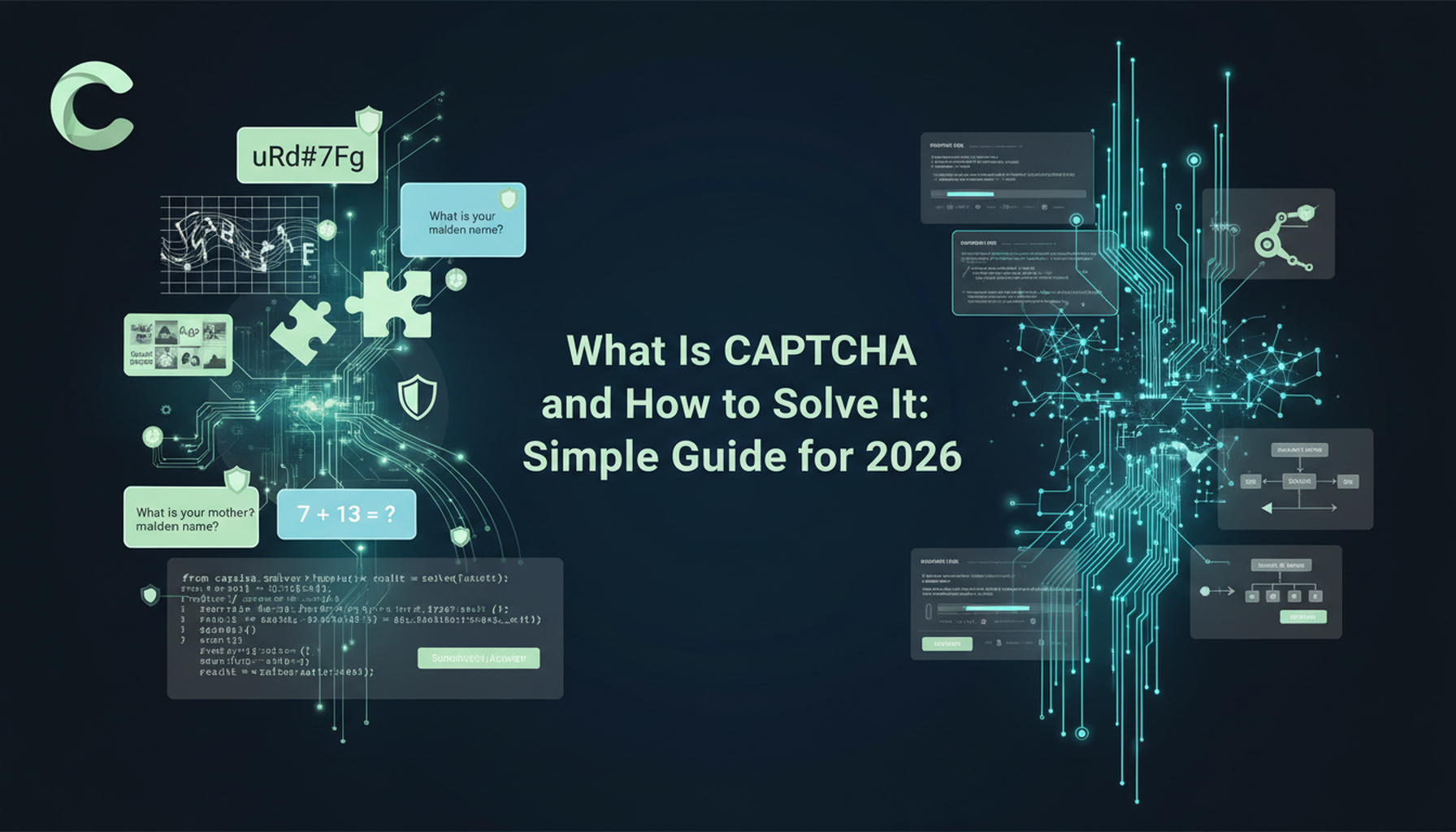
What Is CAPTCHA and How to Solve It: Simple Guide for 2026
Tired of frustrating CAPTCHA tests? Learn what CAPTCHA is, why it's essential for web security in 2026, and the best ways to solve it fast. Discover advanced AI-powered CAPTCHA solving tools like CapSolver to bypass challenges seamlessly.

Anh Tuan
05-Dec-2025